Quick Start
Welcome to the Matesst documentation. Matesst leverages Matesst Turbo JIT (Powered by RunMat) and GNU Octave to scale your .m script algorithms into production-ready, high-performance RESTful APIs with zero code rewrite.
Follow these 5 steps to get your first API up and running.
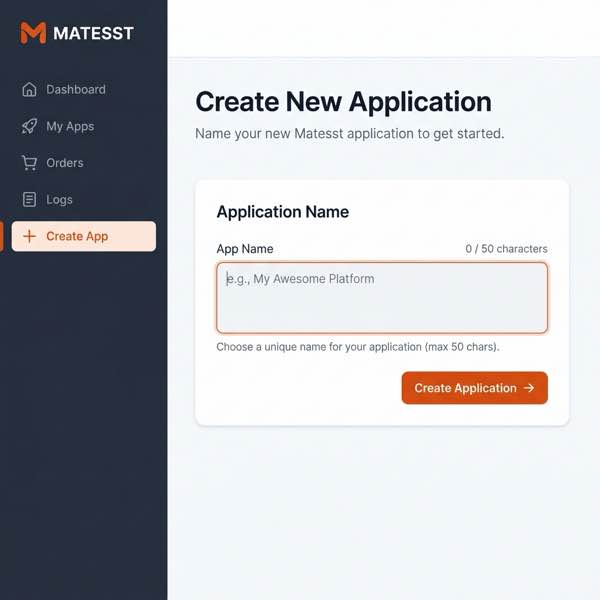
1. Create an APP
First, log in to the Matesst Dashboard. Go to the Dashboard in the left sidebar and click Create APP. Give your application a unique name.
2. Prepare & Upload Source Code
First, write your custom algorithm. The function name in your code will be the API entry point. For example, create a file named my_math.m:
% File: my_math.m
% This is the entry function of your algorithm.
% The filename (without .m) becomes the API endpoint.

function [sum_val, prod_val] = my_math(a, b)
    % A simple algorithm that calculates sum and product
    sum_val = a + b;
    prod_val = a * b;
end
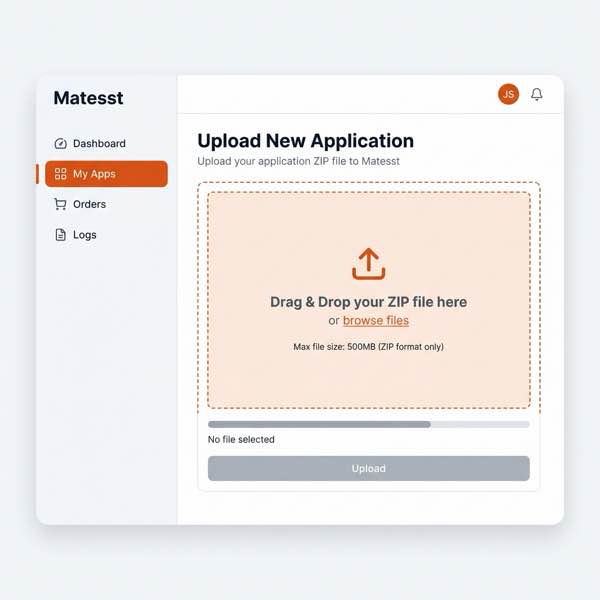
Compress these files directly into a ZIP format (e.g., my_math.zip). Matesst fully supports complex project structures; you are free to organize your scripts into subfolders within the ZIP archive.
Tip: To avoid function shadowing, ensure that your entry function names are unique across the entire project package.
Next, navigate to the My Apps section, select your app, and upload the ZIP package. Matesst will automatically analyze the entry points.
3. Manage & Authorize
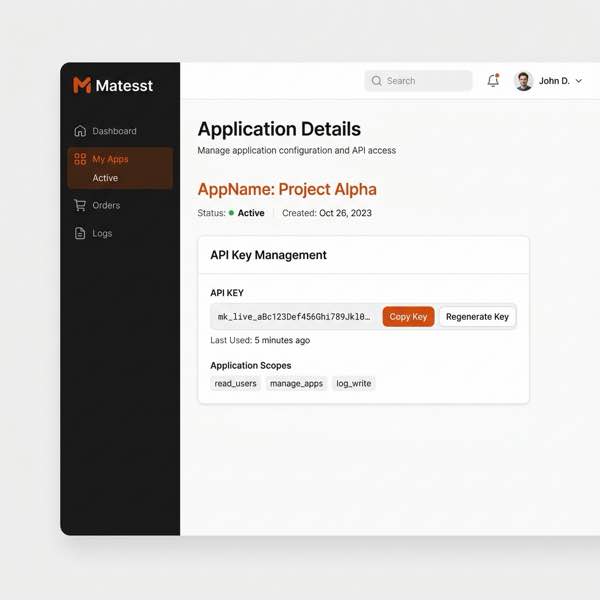
On the application details page, you can monitor the deployment status. Each application has its own unique API Key. Keep this key safe as it is the credential for calling that specific app's API.
4. Billing & Redeem Code
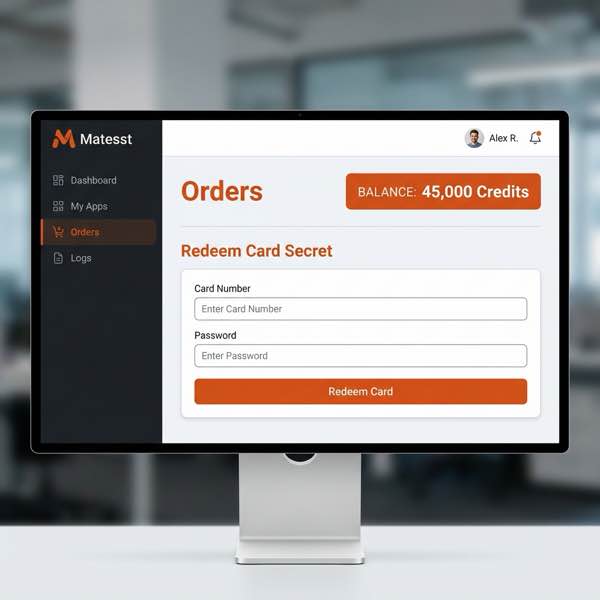
Matesst uses a credit-based billing system. You can view your Balance on the Orders page. If you have a card secret, enter the card number and password to redeem Credits instantly.
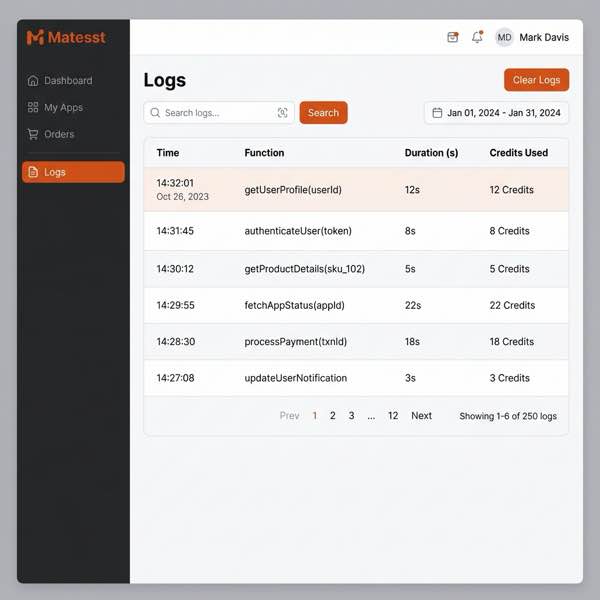
5. Monitor Call Logs
View detailed execution history in the Logs section. Billing is based on computation time: 1 Credit is consumed per second (1 Credit/s). This helps you audit costs in real-time.
Your First Request
Once active, call your app via POST request. Here is an example calling the my_math function defined above. Remember to use the API Key specific to your app:
curl -X POST https://api.matesst.com/api/v2/my_math \
  -H "Authorization: Bearer YOUR_APP_SPECIFIC_KEY" \
  -H "Content-Type: application/json" \
  -d '{
    "params": [10, 20],
    "nargout": 2
  }'
Results Wrapping Rules
The structure of the results field depends on the nargout and the type of data returned:
- Single Number with
nargout = 1:resultsreturns the number directly. - Otherwise:
resultsis always wrapped in an array. For example, if a function returns an array[1, 2, 3]withnargout = 1, the response will be[[1, 2, 3]].
Example: Single Number (nargout = 1)
{
  "results": 30,
  "status": "success"
}
Example: Multiple Outputs (nargout = 2)
{
  "results": [30, 200],
  "status": "success"
}
Example: Array Output (nargout = 1)
{
  "results": [[1, 2, 3]],
  "status": "success"
}
Next, explore the full API Reference for more details.